
Out now on the App Store
PRIVAKU Photos: private photo cleanup for iPhone
Private AI Photo Find & Clean · by PRIVAKU · For iPhone, iOS 18 or later
Free, and it stays free. No ads, no subscriptions, no in-app purchases.


Your photos never leave your iPhone.
Private photo cleanup and Emergency Docs on your iPhone. All photo analysis and cleanup run on-device. Your photos never leave your iPhone.
Screenshots
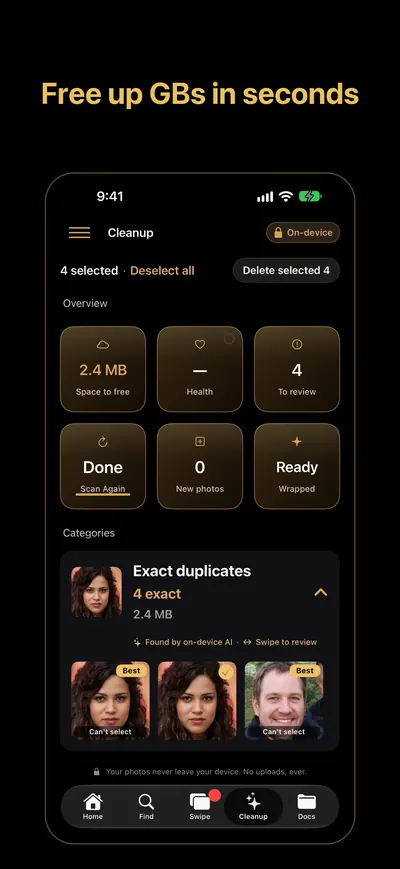
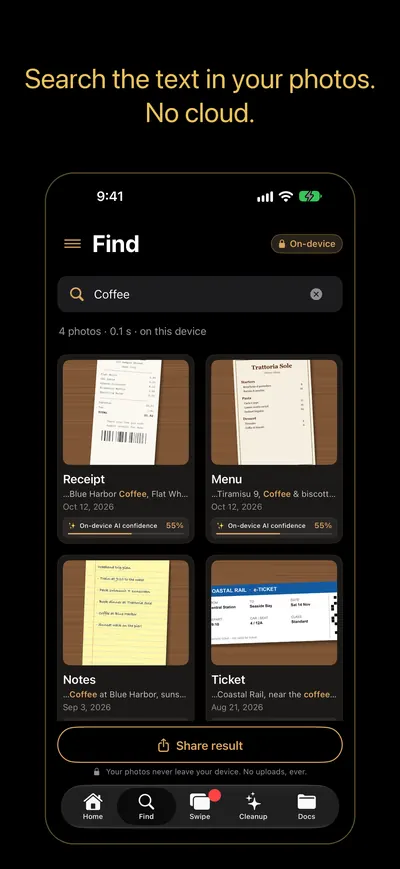
Find and remove duplicate photos on iPhone
Duplicates and similar shots
- Review exact duplicates and similar photos side by side
- Clean up safely: nothing is deleted until you confirm in iOS, and deleted photos go to Recently Deleted
Blurry photos and screenshots
Spots photos that are out of focus and gathers your screenshots, so you can review and clear them in one pass.
Large videos
Lists videos of 100 MB or more, so you can see what is taking up space and decide what to keep.
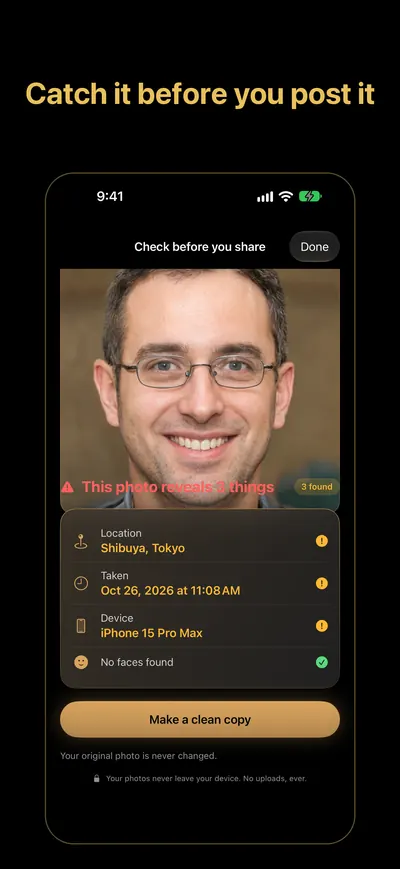
Check before you share and more
- Check before you share: see the location, date and device a photo gives away before you post it, and make a clean copy
- Privacy Leak Scan
- Roast my camera roll
- Video size badges
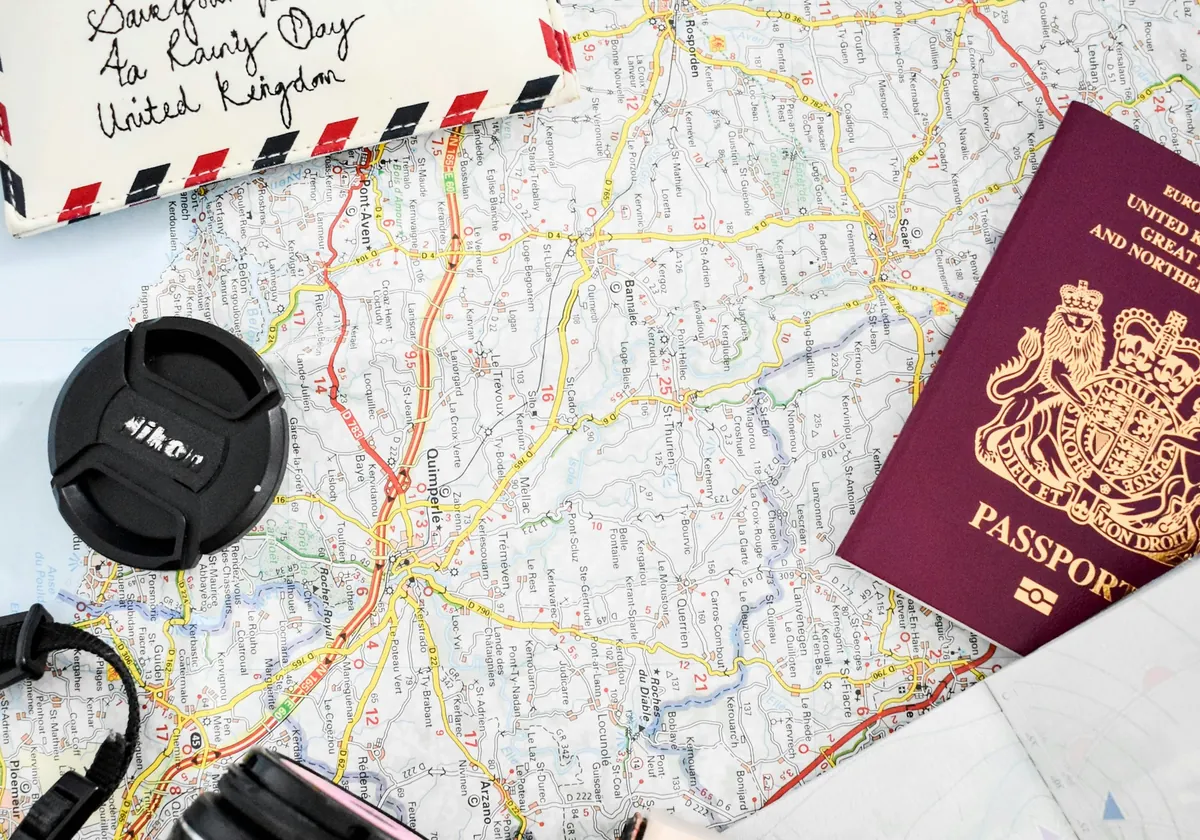
Emergency Docs: your passport and boarding pass in one tap
- Emergency Docs: one tap shows photos of your passport, residence card, insurance card or boarding pass, grouped by type
Privacy: your photos stay on your iPhone
- Your photos never leave your iPhone.
FAQ
How do I delete duplicate photos on iPhone?
Scan your library with PRIVAKU Photos, review each group of duplicates and similar shots, and confirm. iOS asks before anything is deleted.
Are my photos uploaded?
No. All photo analysis and search run on your iPhone. The app sends usage stats and crash reports (no photo content), which you can turn off in Settings, and downloads feature settings.
Is PRIVAKU Photos free?
Yes. It's free, with no ads, subscriptions or in-app purchases.